

About Google My Business Profile
Google My Business is a 100% free and easy-to-use online business tool offered by Google for local businesses and organizations to manage their online presence across Google, including Search and Maps. By creating and verifying a GMB listing, businesses can provide accurate information about their location, hours of operation, products and services, and contact information to customers. To help customers find your business, and to tell them your story, you can verify your business and edit your business information. This helps to improve visibility and credibility for the business and can lead to more foot traffic and online engagement. Additionally, GMB allows businesses to respond to reviews and messages, and track analytics on how customers interact with their listing.
How to set up Google My Business Account? Step by Step
- On your computer, sign in to Google My Business.

- Sign in to your Google Account, or create one.
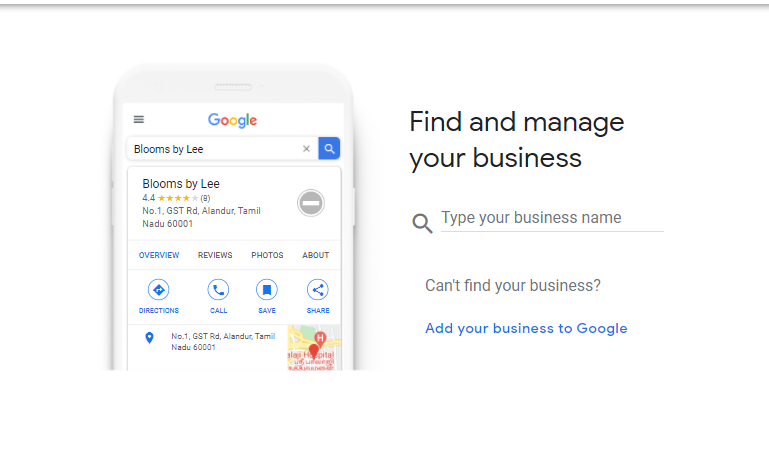
- Then Click on the Add your business to Google, if you have never added your business to Google. Otherwise, search your business.
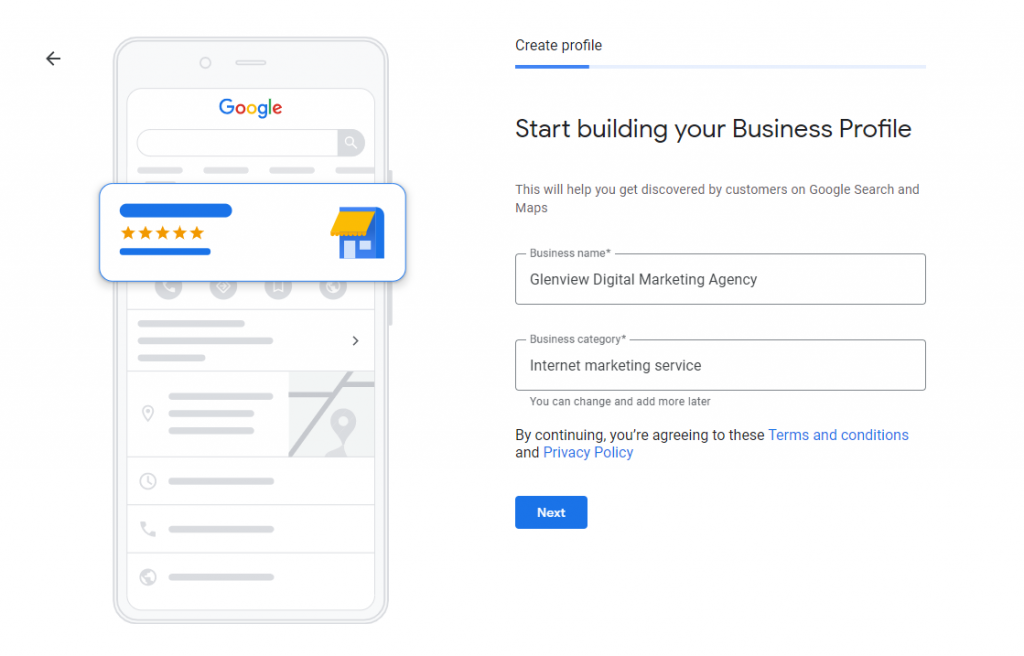
- Create profile by entering your Business name and Business Category. Then click Next
- Select your business location customer can visit. Location will show up on Google Maps and Search when customers are looking for your business. Then, click Next.

- If you have selected Yes in the previous step, Google will ask for your address. If you have selected No in the previous step, Google will ask you the area where do you serve your customers (optional). Enter address then click Next

- If you have selected an address in the previous step, Google will ask if your business serves customers outside this location. Select the option. Then click Next
- In the next step, Google will ask you how customers can contact you. These details are optional so you can skip them. You can enter these details later.

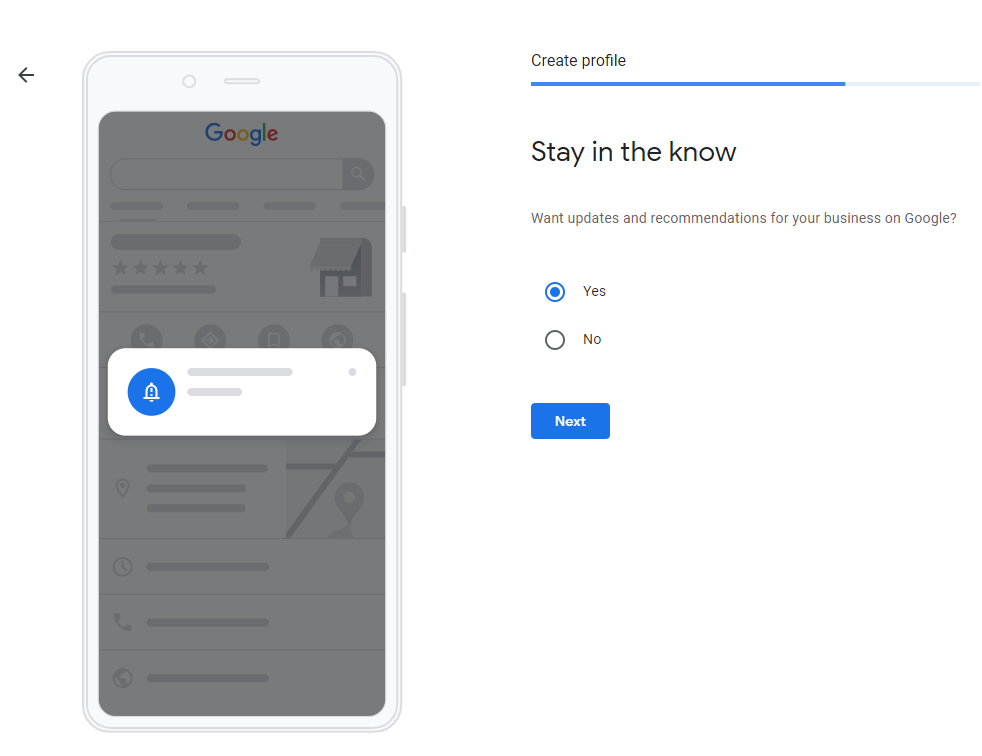
- If you would like to stay updated, select the Yes option in the next step
- In the end, choose a way to verify your business listing. Enter Contact Name and Click on the Mail button. You’ll get a postcard with your verification code and next steps in about 15-20 days.

Claim your business through Google Maps
- On your computer, open Google Maps.
- In the search bar, enter the business name.
- Click the business name and choose the correct one.
- Click Claim this business
Manage now.
- To choose a different business, click I own or manage another business.
- Select a verification option, and follow the on-screen steps.
Do you need help setting up Google My Business Profile? or Is your listing suspended? Please get in touch?